
A few years ago, my workdays felt like they vanished before I had even touched the important stuff. I’d start with good intentions, but by the time I was done replying to emails, updating spreadsheets, following up with leads, and checking messages, the day was gone.
Sales? Flat.
Leads? Stuck.
Me? Completely drained.
I wasn’t lazy — I was just stuck in an endless loop of manual tasks.
That’s when I stumbled into marketing automation — not because a “guru” sold me a course, but because I was so frustrated with repeating the same mindless work that I had to find a smarter way.
Fast forward to today — I’ve tested tools, broken workflows (yes, more than once), and learned what actually works versus what’s just overhyped fluff.
If you want to set up automation that truly saves time and gets results — without drowning in technical jargon — here’s my real, tested process.
Step 1: Get Clear on What You Actually Want
Before you type “best marketing automation tools” into Google, pause.
Ask yourself:
“What specific result am I trying to improve?”
Back when I started, my focus was simple:
Get more sales calls booked without manually chasing people.
For you, it could be:
Attracting more qualified leads
Increasing average order value
Winning back past customers
The key is to be specific. “I want more sales” is too vague. Write numbers you can track.
When I first did this, mine looked like:
+20% email revenue
10% more demo bookings
15% higher repeat purchase rate
It might seem small, but clear, measurable goals beat “big dreams” every time.
Step 2: Don’t Try to Automate Everything at Once
My first mistake? I tried to automate everyth
ing — emails, ads, chatbots, CRM — all in one go.

Result?
A mess.
Lesson learned: start with one or two key channels.
If I had to recommend:
Email or SMS → Great for nurturing relationships
On-site chat → Good for catching visitors in the moment
Retargeting ads → Ideal if you already have website traffic
CRM → Perfect if you’re drowning in unorganized leads
You can always expand later. Just don’t overwhelm yourself on day one.
Step 3: Choose Tools That Fit Your Business
One of the biggest mistakes I’ve seen? People wasting months on “popular” tools that aren’t even built for their type of business.
Here’s my no-nonsense cheat sheet:
HubSpot → All-in-one: CRM, email, landing pages
ActiveCampaign → Powerful yet affordable, perfect for small teams
Klaviyo → Best for e-commerce (especially Shopify/WooCommerce)
Omnisend → Quick setup for smaller online shops
Customer.io → Great for SaaS and behaviour-based triggers
Braze / Iterable → For large user bases with bigger budgets
Brevo (Sendinblue) → Budget-friendly all-rounder
Intercom → Chat, product tours, sales handoffs
Zapier → Connects almost anything
Make / Pabbly Connect → Cheaper, advanced alternatives to Zapier
Quick breakdown:
Products → Klaviyo or Omnisend
Services/SaaS → ActiveCampaign or HubSpot + Intercom
Need everything connected? → Zapier or Make
Step 4: Start With Easy Wins
Here’s what I implemented first — and what worked instantly:
Welcome Series → Don’t just say “Thanks.” Tell your story, share offers, and give value.
Browse Abandonment → Remind visitors what they looked at.
Cart Abandonment → I recovered a $900 sale from one email.
Lead Nurture → Sales Handoff → Warm them up before sending to sales.
Post-Purchase Upsell → Suggest complementary products right after checkout.
Review Requests → Social proof sells better than ads.
Win-Back Campaigns → A simple “We miss you” can bring back lost customers.
Step 5: My Setup Recommendations
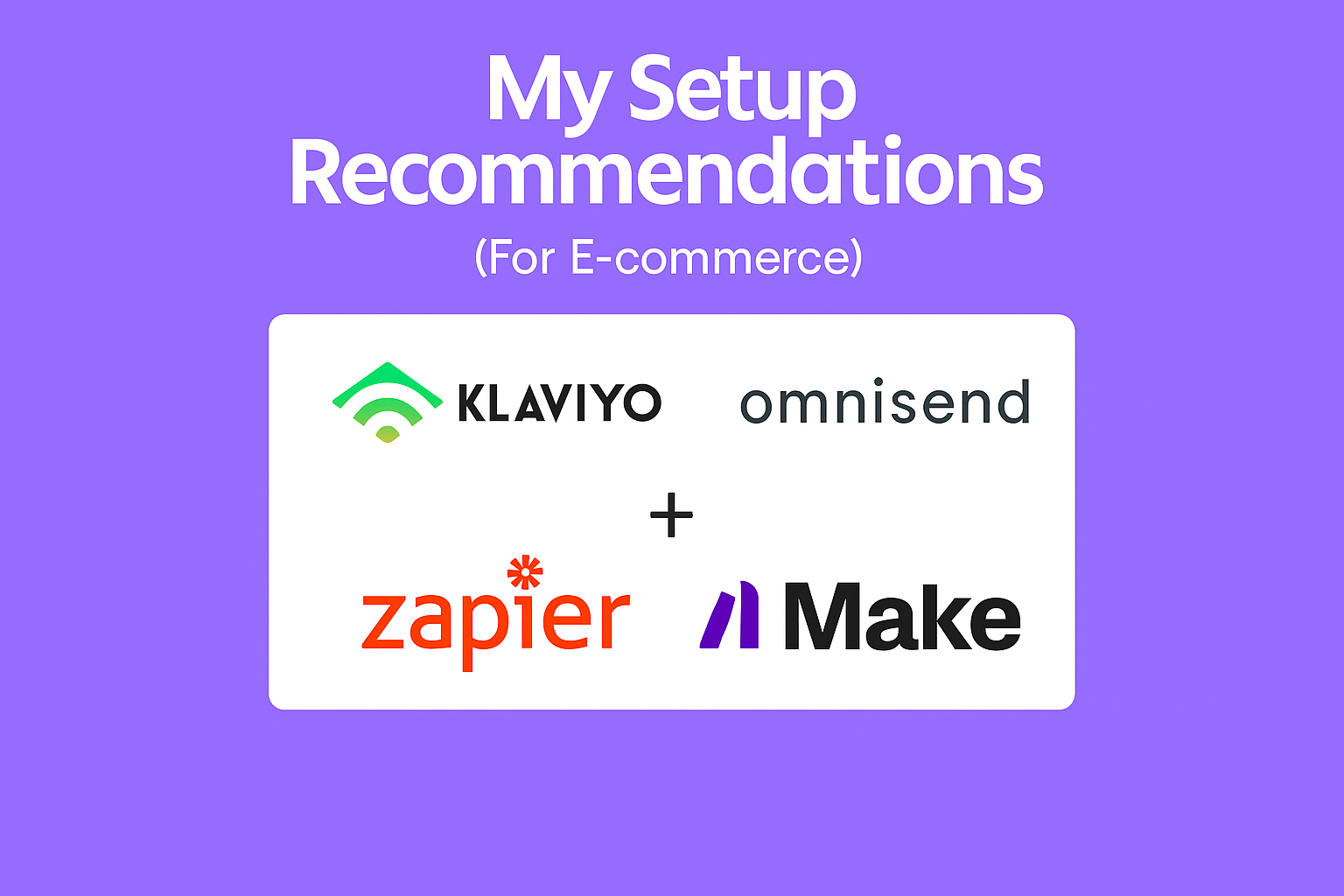
For E-commerce (Klaviyo/Omnisend + Zapier/Make)
Connect store integration
Turn on prebuilt flows (welcome, cart, post-purchase)
Build VIP and discount-sensitive segments
Sync to ads for retargeting
For Services/SaaS (ActiveCampaign/HubSpot + Intercom)
Capture leads with forms/chat
Send a 5-part nurture sequence with one CTA
Score leads based on activity
Auto-assign hot leads to sales
On a Budget (Brevo + Pabbly Connect)
Import and tag contacts
Build a 3-email welcome and 2-step follow-up
Use WhatsApp/SMS for urgent leads
Step 6: Track Only What Matters
Each week, I check:
Email revenue % or new sales opportunities
Conversion rates of key flows
List growth vs unsubscribes
Time from signup to first action
Step 7: Keep Adjusting
Automation isn’t “set it and forget it.” Small tweaks can double results.
 Tests that have worked for me:
Curiosity-driven vs short subject lines
Immediate vs delayed sends
% discounts vs fixed amount offers
Adding SMS alongside email
Common Pitfalls (Avoid These)
Too many tools at once → Start lean.
Messy data → Keep fields standardized.
Never checking flows → Review monthly.
Over-discounting → Focus on value, not just price cuts.
Final Take
Marketing automation isn’t magic. It’s simply smart systems doing the heavy lifting so you can focus on what matters.
Start small. Automate one journey. See the impact.
That’s how I began — and now my mornings aren’t spent chasing leads. They’re spent closing them.